5 Ways Training Records Management Software Saves Time
Managing training records manually is costing your organization more time than you think. Spreadsheets, paper files, and email chains create bottlenecks that slow everyone down.
Training records management software changes all that. Here are five concrete ways it saves time — and what that means for your organization.
1. Eliminate Manual Certificate Creation
Creating certificates one by one is one of the biggest time drains in certificate management. A typical training program might issue 50–200 certificates per cohort.
The manual way: Open a Word template. Type the recipient's name. Check spelling. Adjust formatting. Export as PDF. Repeat 50+ times.
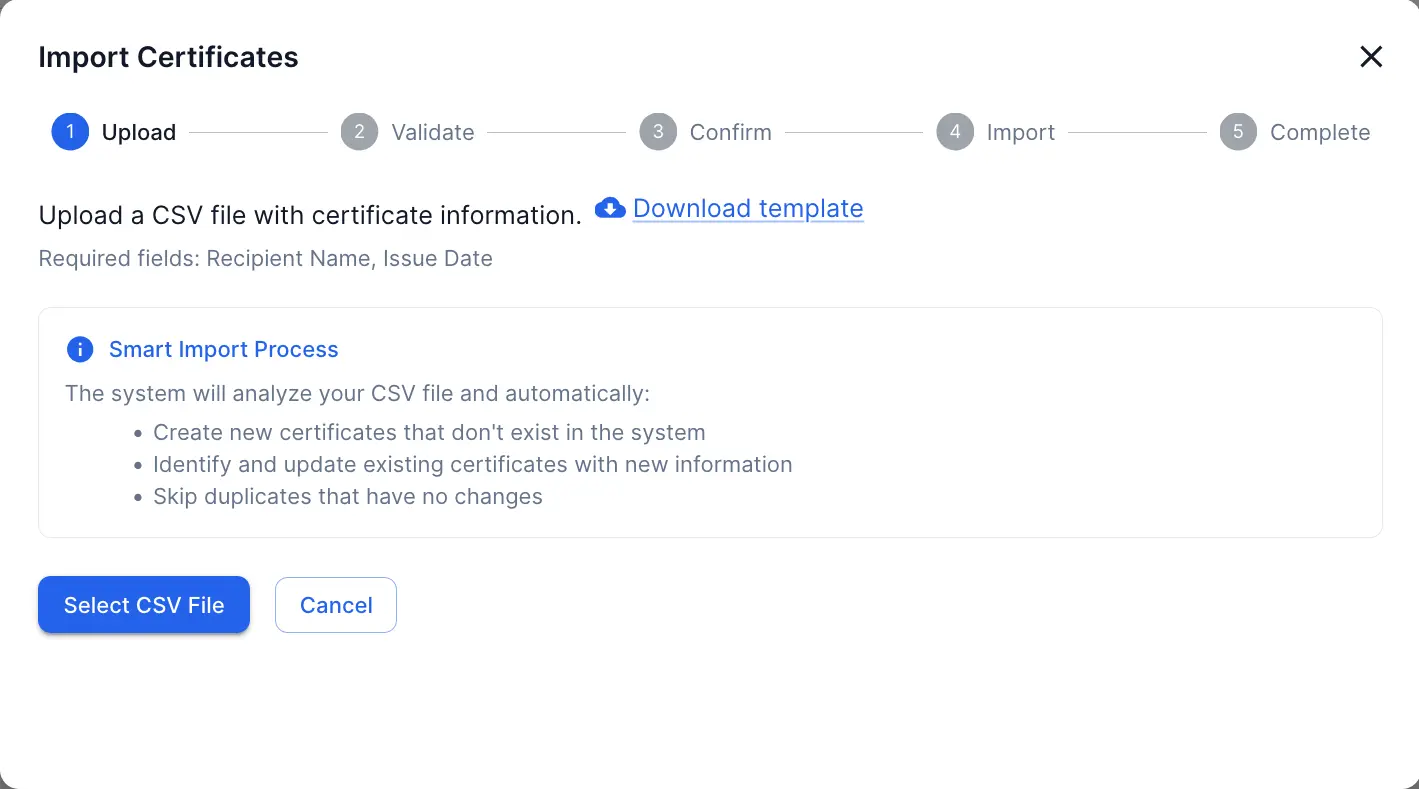
With training records management software: Import a CSV file with recipient names. Click "Generate." Download 50 personalized PDFs in under 60 seconds.
If creating one certificate manually takes 5 minutes, that's over 4 hours for a cohort of 50. Software reduces this to minutes.
2. Automate Certificate Verification
Every certificate you issue creates potential future work: verification requests. Employers email you. Government agencies call. HR departments send letters.
Each verification request might only take 5–10 minutes, but multiply that by dozens of requests per month and you're looking at hours of time your team could spend elsewhere.
Training records management software creates a public verification portal. Employers visit it, enter a certificate number, and instantly see if it's valid. No emails to your team. No phone calls. No waiting.
Organizations using CertLister report eliminating almost all manual verification requests after setting up their public portal. For a complete guide on how employers use these portals, see how to verify certificates online.
3. Track Expiry Dates Without Spreadsheets
Certification expiry tracking is a nightmare without dedicated software. The typical approach involves spreadsheet columns with expiry dates, manual calendar reminders, and frantic emails when you realize certifications are already expired.
What software does differently:
- Shows upcoming expirations on a dashboard — automatically
- Lets you update expiry dates in bulk (not one at a time)
- Displays current status (active/expiring/expired) with color coding
- Sends automatic reminder emails to certificate holders
The time savings are significant. Instead of maintaining a complex spreadsheet and manually checking dates, you glance at a dashboard and see exactly what needs attention.
4. Search and Retrieve Records in Seconds
Finding a specific certificate in a filing system — whether physical or digital folders — can take minutes. Multiply that by dozens of requests per month and you've lost hours.
Training records management software makes search instant:
- Search by recipient name
- Search by certificate number
- Filter by category, date range, or status
- Find everything in seconds, not minutes
For organizations with hundreds or thousands of records, this alone justifies the investment.
5. Manage Team Access Without the Chaos
Spreadsheets create version control problems. Who has the latest version? Did someone update it while you were working on it? Did someone accidentally delete rows?
Software handles this automatically:
- Multiple team members access the same records simultaneously
- Role-based access means everyone sees what they need (and only what they need)
- Changes are tracked automatically
- No version conflicts, no lost data
HR managers can search records. Training coordinators can create certificates. Administrators can manage team access. Everyone works from the same source of truth.
What This Means for Your Organization
Let's put some numbers on it.
A small training center issuing 200 certificates per month and handling 50 verification requests might spend:
- Certificate creation: 200 × 5 min = ~17 hours/month manually
- Verification requests: 50 × 8 min = ~7 hours/month manually
- Expiry tracking: ~3 hours/month manually
- Total: ~27 hours/month
With training records management software, the same work takes 2–3 hours/month.
That's 24+ hours back in your team's schedule every single month.
Getting Started
The good news: modern training records management software is designed to be set up quickly. You don't need an IT department or a technical background.
CertLister lets you start managing certificates immediately — free plan available, no credit card required. Import your existing records with a CSV file and you're up and running.
The time you spend setting up the system will pay back within the first week.
Ready to simplify certificate management?
Join schools, companies, and training centers using CertLister. Free plan available, no credit card required.
Get Started Free