Category
Health & Safety
Upload a CSV, pick a design, and generate branded PDFs, each with a unique verification link. Recipients share it. Employers check it in one click. You never answer another verification email.
How training providers, associations, HR teams, clinics and contractors issue, check and renew credentials in one place.
Thirty people just finished your first aid course.
At the gate, a supervisor asks for a safety ticket.
A care aide's CPR ran out two months ago.
Different work, same problem: a certificate is just a file, so people call you to check it.
CertLister turns each one into a record that anyone can check.
Import your list from a spreadsheet, up to two thousand rows at a time.
Design your credential once, in your own colours.
Then create every PDF in one batch, and email each person their own link.
Anyone can scan the QR code and see your record, and whether it's still valid.
Recipients can carry it on their phone as a wallet card.
If it expires or you revoke it, the record says so.
Before it expires, the holder gets a reminder on the dates you choose.
And every Monday, your team gets a list of what's due in the next thirty days.
When they renew, the new credential replaces the old one.
Find the video for your kind of organization at certlister.com/solutions.
Start free at certlister.com.
The workarounds stop working once your organization starts to grow.
You're typing names into a Word template, adjusting the layout, saving as PDF, and emailing each one. A 30-person cohort takes an entire afternoon. A 300-person one? Don't ask.
An employer emails asking if a credential is real. You search your files, confirm, reply. Next week, another one. The same credentials, the same questions — and every answer is on you.
A certification expired three months ago and nobody noticed. The spreadsheet said June, but which June? Now someone's working with a lapsed credential and compliance is asking questions.
Half your credentials are in Excel. The rest are PDFs in a shared drive, or emails someone sent last year. When an auditor asks for a report, you're stitching together three systems and somebody's memory.
Who It's For
Training Companies
Issue branded credentials for every cohort. Upload a CSV, generate PDFs, and give graduates a verification link to share with employers.
See how it works for training teams
HR Teams
Track employee certifications in one dashboard. See what's expiring, pull compliance reports, and respond to audits without digging through spreadsheets.
See how it works for HR teams
Professional Associations
Issue member credentials at scale. Enable instant public verification and manage renewals without chasing paperwork.
See how it works for associations
Platform
Issue credentials, track expirations, and let anyone verify them online. No spreadsheets, no manual follow-up.
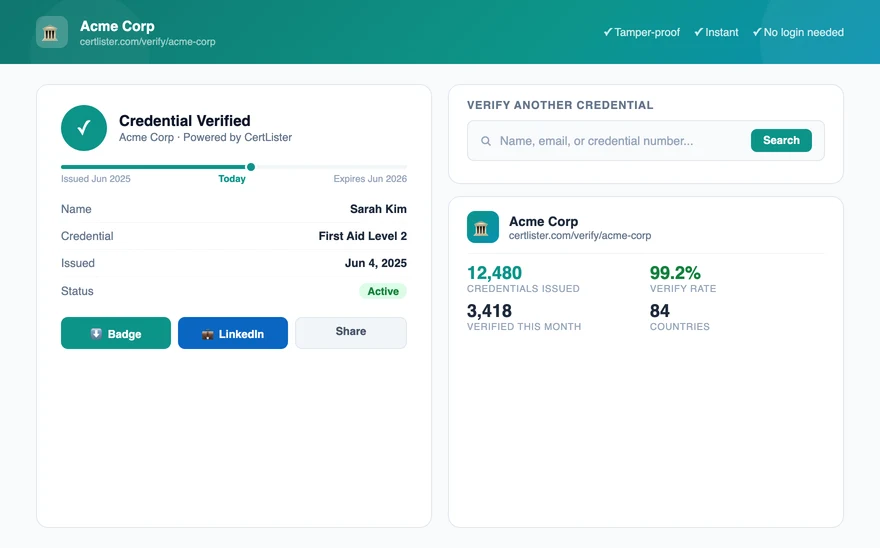
Every credential gets a unique verification link. Recipients share it. Employers check it. No login, no phone call, no email to you. Your verification portal works around the clock.
Explore certificate verification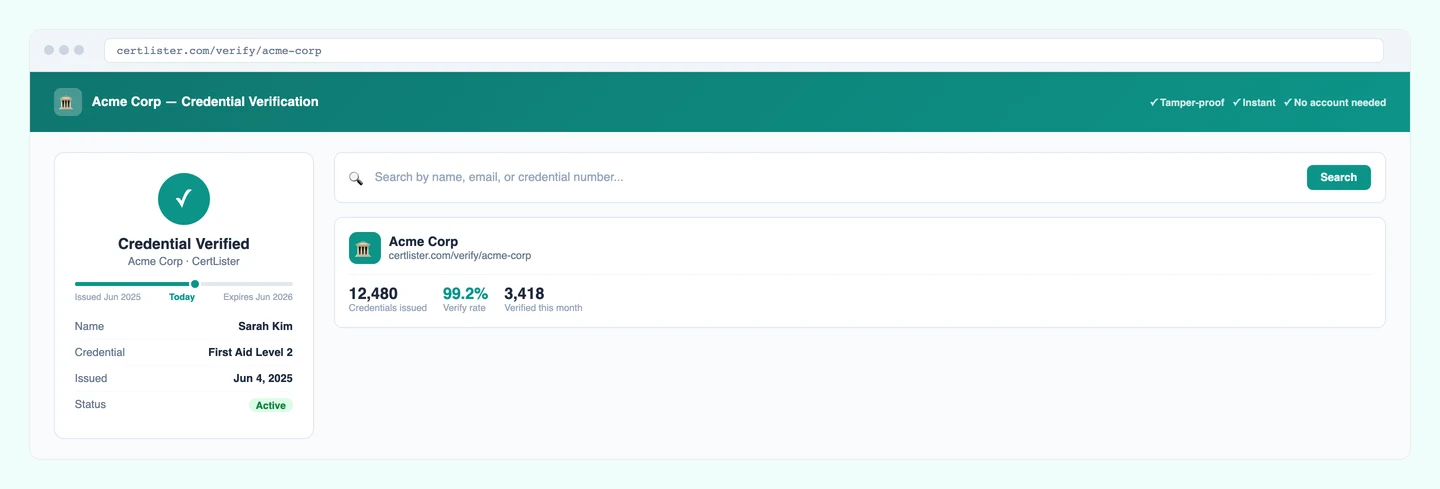
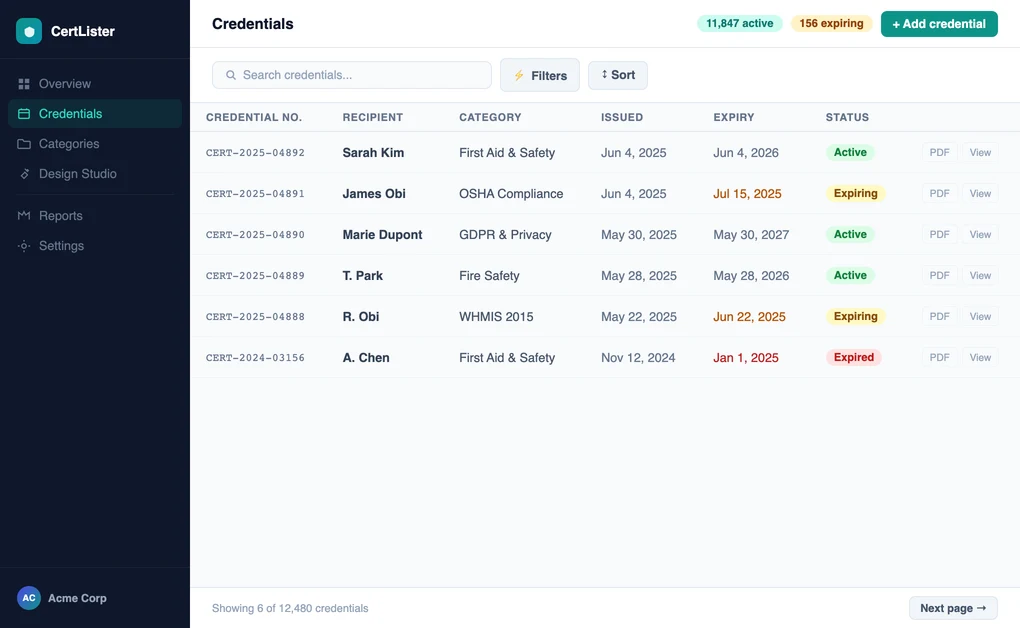
Import hundreds of credentials from a CSV. Organize by course, department, or year. Search by name or credential number. No more digging through folders and shared drives.
See all credential management features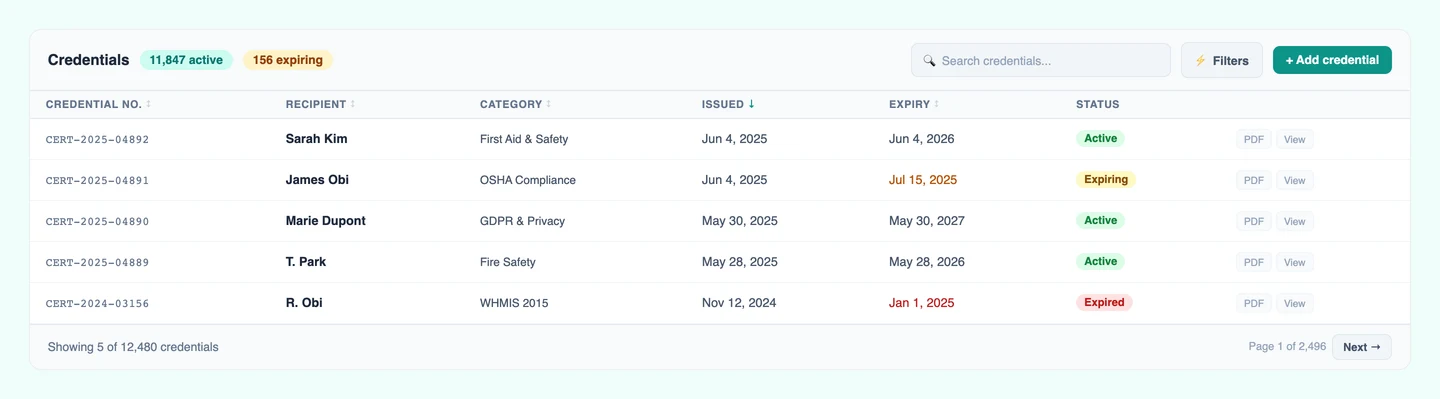
Remind recipients on up to five dates before a credential expires, and every Monday your team gets a list of what's due in the next 30 days. Credentials flip to expired on their own, and a renewal replaces the old one.
Explore certification tracking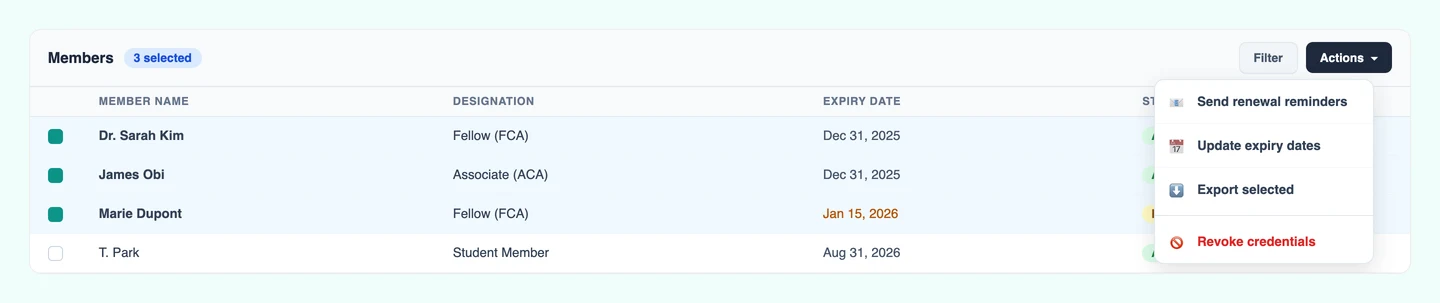
Turn on badges for a category and each credential gets a branded digital badge: a square PNG for LinkedIn profiles, email signatures, or personal websites. Choose from 9 shapes and 8 one-click color palettes, or match your own brand colors.
Learn about digital badges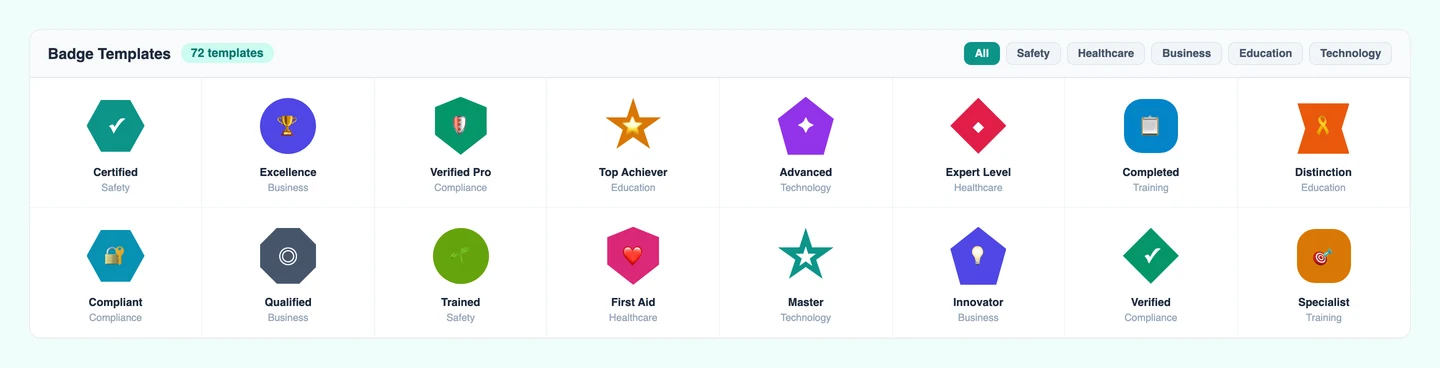
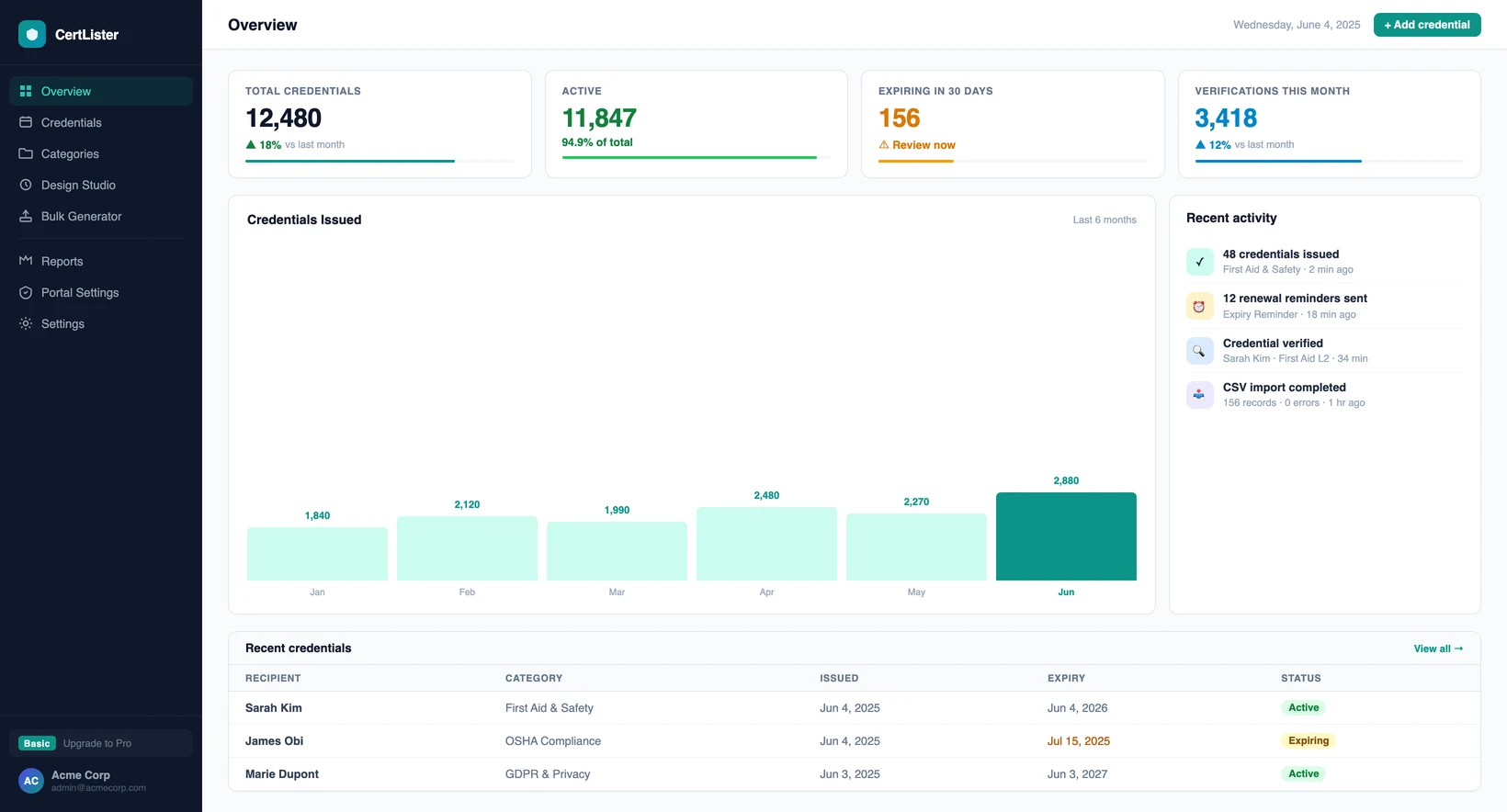
Visual dashboards show who's certified and who's not. Monthly trend reports track issuance over time. Every verification is logged for audit trails.
See compliance tracking features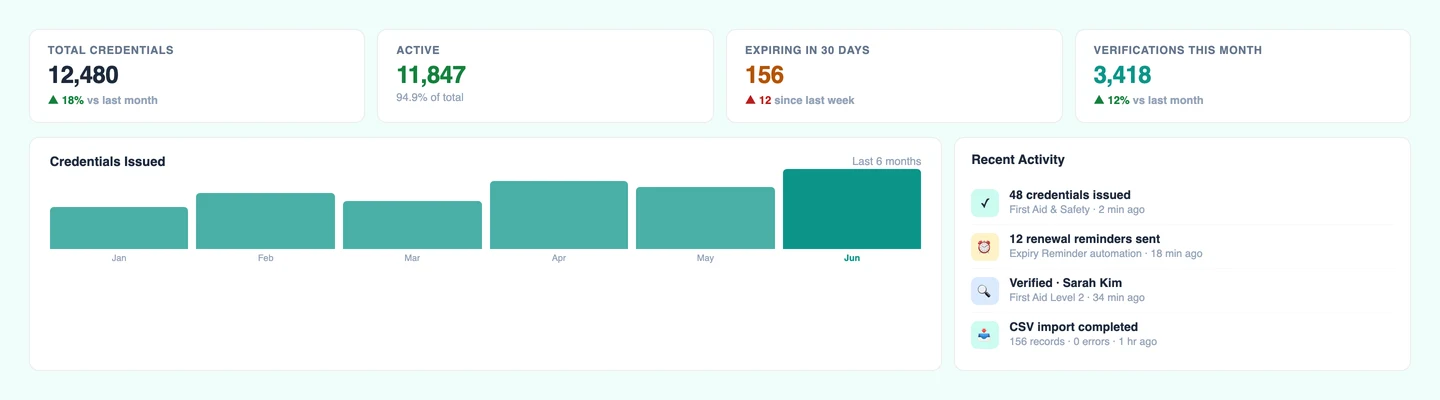
End-to-end workflow
Watch the complete credential journey, step by step.
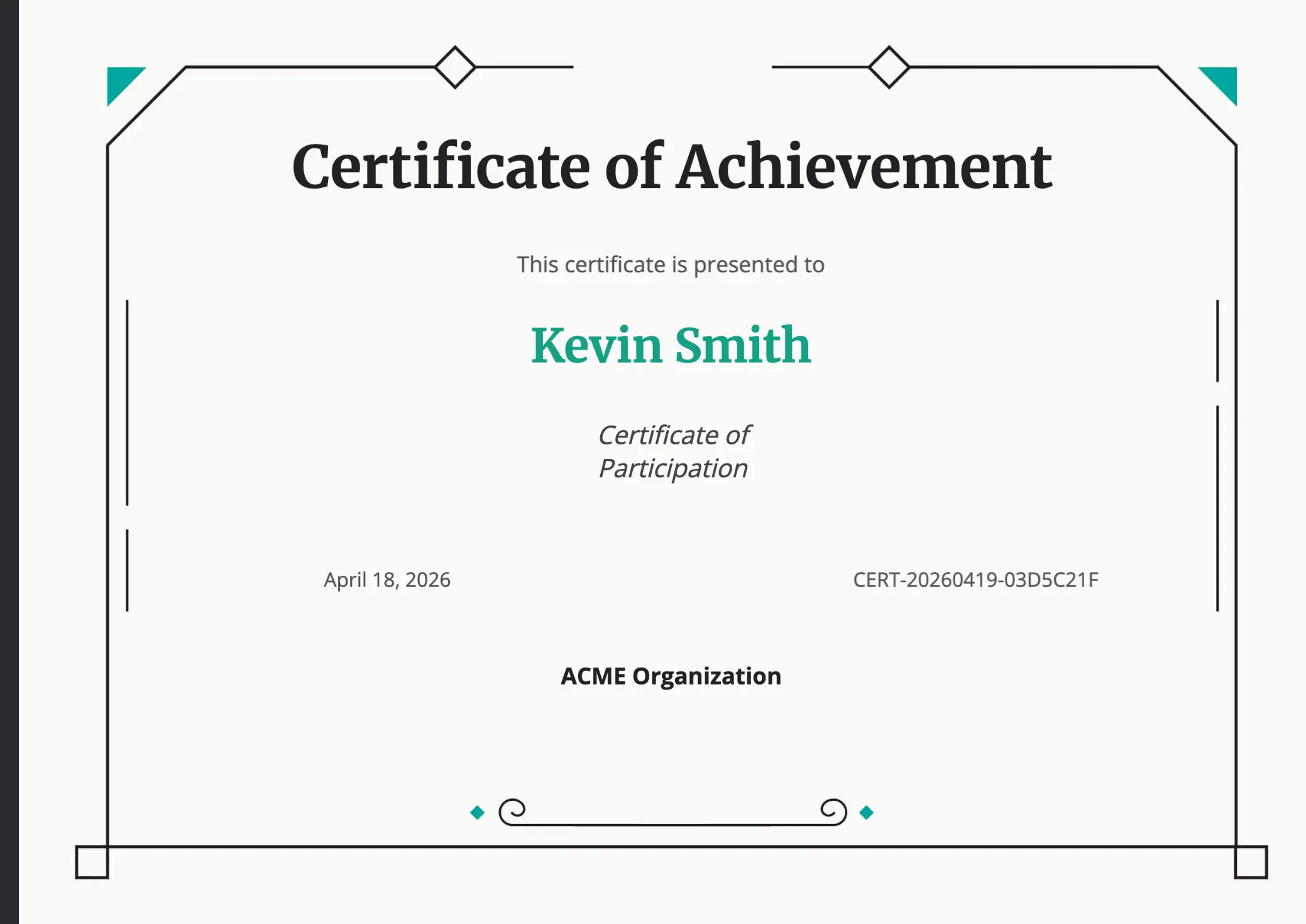
Confirm credentials are genuine and issued by an authorized organization.
Design Studio
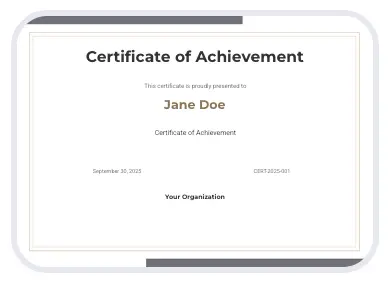
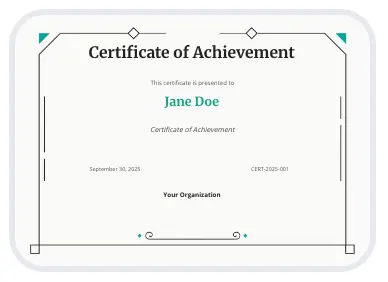
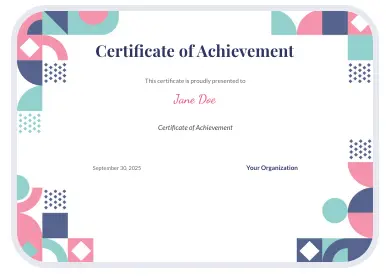
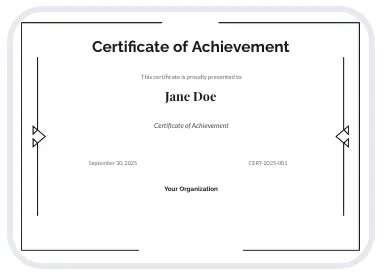
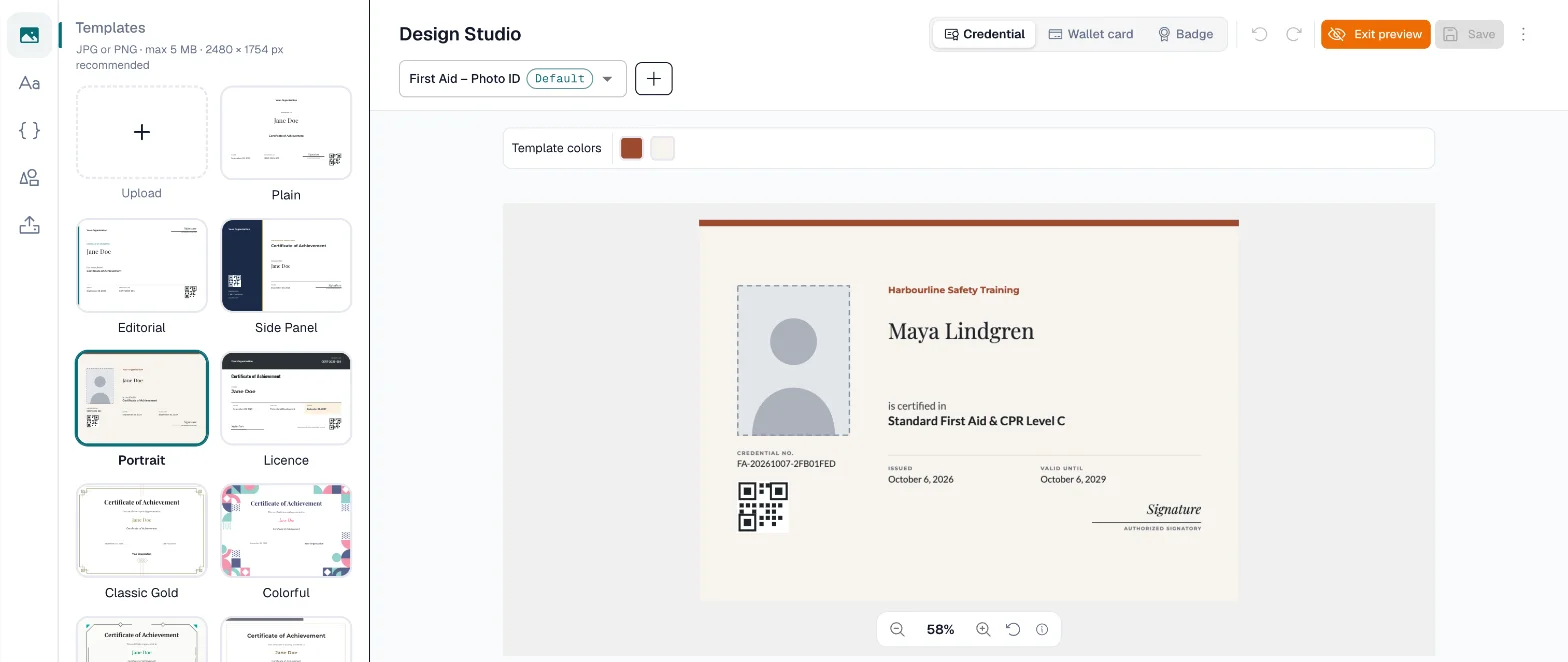
Drag and drop text, logos, and decorative elements onto beautiful templates. Customize fonts, colors, and layouts, then generate branded PDFs in bulk.
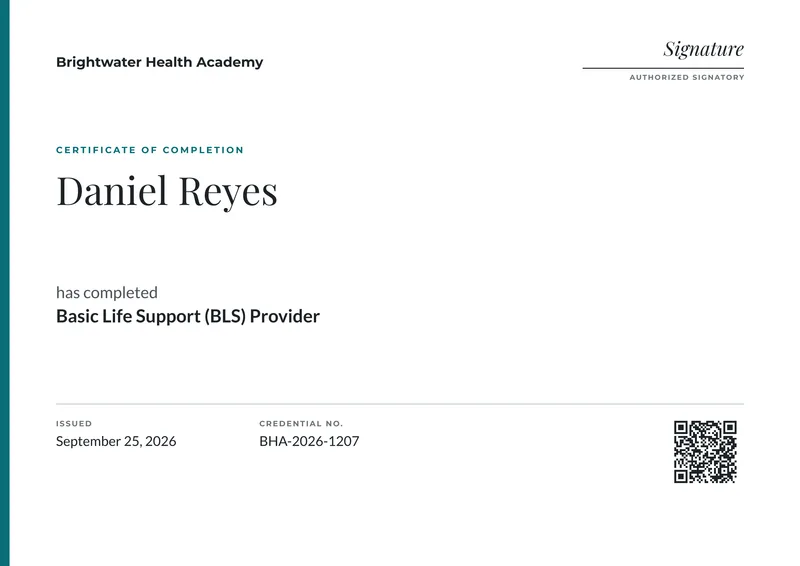

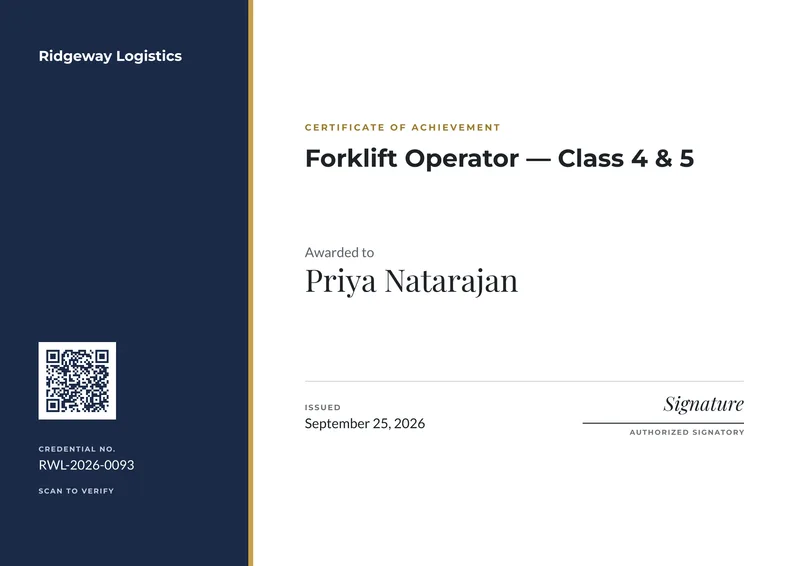

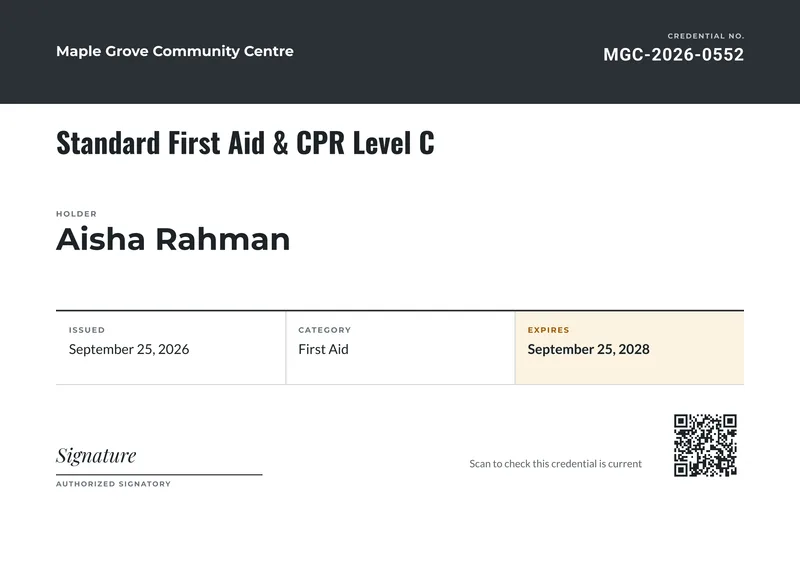
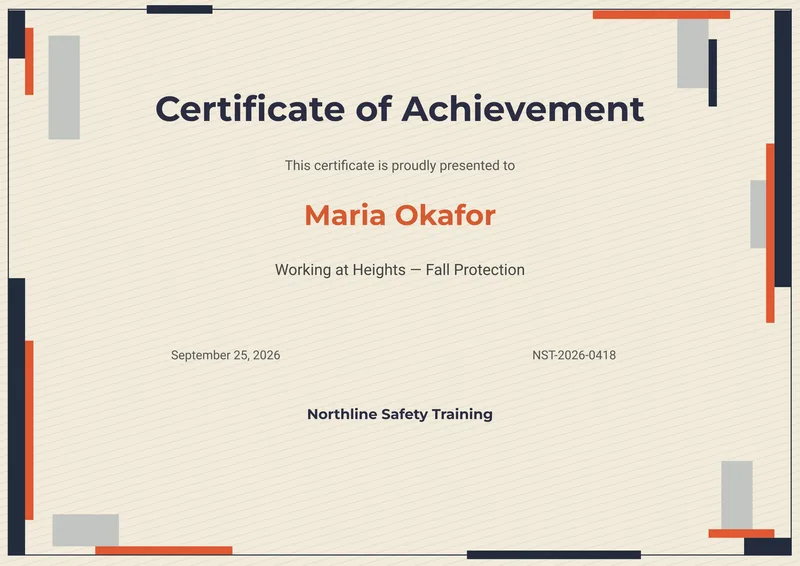
6 of the 20 credential templates
Enterprise-grade security and support, without the enterprise price tag.
Data encrypted in transit and at rest. Hosted on Google Cloud. Each organization's data is fully isolated — no other account can see your records. MFA available on every plan.
Manage credentials from your desktop, tablet, or phone. Your team and recipients get the same experience regardless of device.
Sign up and start issuing credentials right away. Two example categories and a ready-made design are already set up, so your first credential takes minutes.
Email us and hear back from someone who knows the product. No ticket queues, no chatbots. We're a small team and we answer fast.
2,000
Rows per Import
from one spreadsheet
20
Built-in Templates
each in your own colors
10
Free Credentials
every month on the free plan
CA$0
To Start
no credit card, cancel anytime
Create a free account, issue a credential, and watch someone verify it. That's all it takes to know if CertLister is right for your team.
No credit card required • 10 free credentials every month • Cancel anytime