How to Issue Verifiable Digital Credentials
An employer calls your front desk asking to confirm that a credential your graduate submitted is real. Your staff member opens a filing cabinet, finds nothing, checks a spreadsheet, and eventually sends a reply email — three days later. Meanwhile, the employer has already moved on to another candidate.
This happens constantly at training centers and schools that issue credentials the old way. And it costs you something real: trust.
The Problem with PDFs and Paper
When you issue a credential as a PDF or a printed document, you hand over the entire chain of custody to the recipient. They can store it, share it, edit it — and you have no way to confirm what version of it exists in the world.
From an employer's perspective, a PDF with your logo on it proves almost nothing. Anyone with basic design skills can produce one in an hour. That's not a theoretical concern — credential fraud is a documented, growing problem in professional certification, healthcare training, safety courses, and language schools. Studies have shown that a significant share of job applicants misrepresent their qualifications, and forged documents are among the most common methods.
The practical result for legitimate training centers: their real graduates get lumped in with the fraudulent ones. Employers start calling to verify. HR departments implement their own checking processes. Your graduates hit friction at exactly the moment they're trying to benefit from the training they paid for.
What "Verifiable" Actually Means
Before getting into implementation, it's worth being precise — because "put it on the web" isn't enough.
A properly verifiable digital credential has four characteristics:
A unique, stable URL. Each credential has its own web address that anyone can visit. The page displays the credential details directly — recipient name, course, issue date, issuing organization. No login required for the person doing the verification.
A unique credential number. Employers can search by this number, not just follow a link. This matters because a link can be spoofed; a number verified against your live database cannot.
Expiry tracking. For credentials with a validity period — first aid, food safety, HACCP, forklift operation — the credential's status must reflect whether it is currently valid or has lapsed. A PDF will always look valid regardless of the date. A live record does not.
Revocation capability. If you need to cancel a credential — because a student was found to have cheated, or didn't complete the required hours — you can mark it revoked in your records immediately. Anyone checking the verification page sees that status in real time.
These four features together shift the source of truth from whatever document the recipient is carrying to your own database. That's the difference between issuing a document and issuing a verifiable digital credential.
The Old Way vs. The New Way
The traditional workflow: graduate the student, export a PDF from Word or Canva, email it to them, save a copy somewhere, update a spreadsheet. Verification requires a human to manually confirm — usually by email, usually slowly.
The new workflow: you issue the credential digitally, it gets a permanent URL and credential number, the recipient receives their PDF and a verification link, and any employer anywhere can confirm its validity in under thirty seconds without involving your staff at all.
The PDF doesn't disappear — your graduates still want something they can print or attach to a job application. The difference is that the PDF now points back to a living record, and that record is authoritative.
Practical Steps to Implement This
Step 1: Centralize your records. If your credentials are scattered across email drafts, Canva exports, and desk drawers, start by consolidating. Even a structured spreadsheet — recipient name, course, issue date, expiry date, credential number — gives you a foundation to build on.
Step 2: Assign a unique identifier to every credential. The number can be as simple as CRED-2024-001. It just needs to be unique, recorded in your system, and never reused. This number becomes the anchor for everything else.
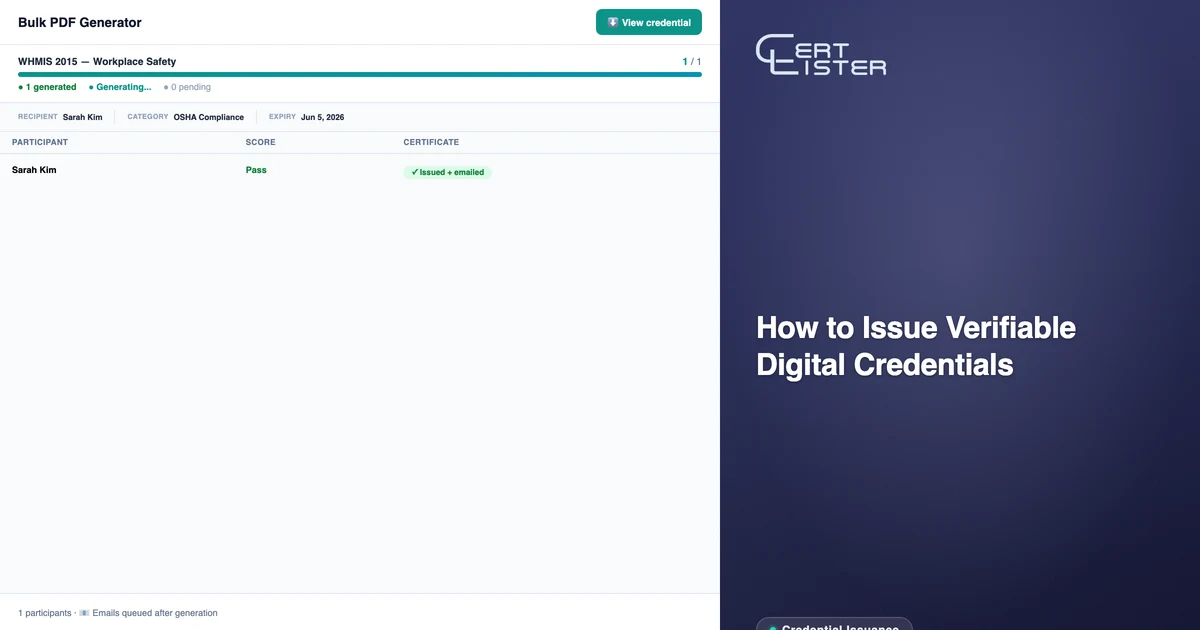
Step 3: Create a public-facing verification portal. This is where most training centers get stuck. The page needs to accept a credential number and return live data from your database — not a static page, but a dynamic lookup that reflects current status including expiry and revocation. Building and maintaining this yourself requires a developer, a server, and ongoing upkeep. Platforms like CertLister handle this automatically: every credential you issue gets a permanent URL and credential number, and the public verification portal reflects live status without any manual work.
Step 4: Print the verification link on the credential itself. Include the URL or credential number directly on the PDF your graduates receive. Something as simple as: "Verify this credential at certlister.com/verify/CRED-2024-001". This turns every credential into its own proof — the recipient carries the key to verifying it.
Step 5: Test the experience as an outsider. Before rolling this out, go through the verification flow yourself as if you were an HR manager who received a credential from someone you don't know. Can you find the record? Does the page load quickly? Is the status clear without explanation? If anything requires effort, employers will skip the step entirely.
Why Healthcare and Safety Training Centers Can't Wait
For most industries, verifiable digital credentials are a competitive advantage. For healthcare, food safety, construction, and childcare, they're closer to a legal requirement.
Employers in these fields are obligated to verify that employees hold current, valid credentials before putting them on the floor. A forklift operator whose safety credential expired six months ago is a liability. A food handler whose hygiene certification lapsed is a compliance violation. A healthcare worker with a forged CPR credential is a safety risk.
When your credentials come with a live verification URL that shows current status and exact expiry date, you remove a significant administrative burden from your employer clients. They don't need to call you. They don't need to maintain their own tracking spreadsheets. They check the URL and they know. That kind of operational reliability gets training centers onto preferred vendor lists — and keeps them there.
What Your Graduates Gain
Verifiable digital credentials give your graduates a concrete advantage in the job market. When they can send an employer directly to a verification URL, they're removing the single biggest friction point in credential checking. Their credential stands on its own — no waiting, no back-and-forth, no "we'll have to confirm with the issuing organization."
For graduates competing in regulated industries, this is the difference between a hiring decision made today and one that stalls for a week while HR chases paperwork. Graduates who experience that advantage notice where it came from. That's how training centers build the kind of reputation that generates referrals without advertising.
The Standard Is Already Shifting
Digital credential verification is now the default for university degrees, professional licenses, and industry certifications — including digital badges issued under the Open Badge 3.0 standard. Training centers that still issue standalone PDFs are increasingly out of step with what employers expect — not just from a trust perspective, but from a pure workflow perspective.
The infrastructure required to issue verifiable digital credentials is no longer a custom development project. Platforms exist specifically for this. If your training center issues more than a handful of credentials a month, the time saved on manual verification requests alone justifies the switch — before accounting for the competitive and reputational benefits.
Issue your next batch of credentials with a verification link included. Make the URL point to something live. From there, the benefits compound on their own.
CertLister is a digital credential platform built for schools and training centers. Issue professional credentials, track expiry dates, and give every graduate a permanent verification URL — no developer required. Get started free →
See it in action. No card, no commitment
Join schools, companies, and training centers using CertLister. Free plan available, no credit card required.
Get Started Free